Dealing with the U0414 Code: Invalid Data Received From Front Camera
Pulling a U0414 code from your OBD2 scanner means your car’s main computer just stopped trusting the front-facing camera. As a technician who deals with Advanced Driver Assistance Systems (ADAS) every single day, I see this specific code pop up a lot, especially right after a sloppy windshield replacement. Let's break down exactly what's happening, what to look for, and how to fix it properly.
What Does the U0414 Code Actually Mean?
Modern cars rely on a heavy network of modules talking to each other. When you get a U0414, the vehicle's network is flagging that the front camera module is sending garbled, incomplete, or completely invalid data. The camera is still physically there and powered up, but the information it's passing along makes zero sense to the rest of the car. The computer rejects the data to keep you safe.
Common Symptoms You'll Notice Behind the Wheel
You won't just see a check engine light. Your car is going to disable any safety system that relies on that glass-mounted camera. Watch out for these obvious signs:
- Lane Keep Assist completely shutting down. Your car will stop nudging you back into your lane.
- Adaptive Cruise Control refusing to engage. The system can't track the car in front of you.
- Pre-collision warning errors flashing across your dashboard.
- A generic "Front Camera Unavailable" or "See Dealer" message on the instrument cluster.
Top Causes for the U0414 Error
In the shop, I usually narrow this down to a few common culprits. It almost always comes down to alignment, obstruction, or wiring.
- Skipped ADAS Calibration: If you just had your windshield replaced and the shop didn't recalibrate the camera, the pitch and yaw angles are off. The car knows the data is wrong based on your steering angle.
- Obstructed View: Heavy dirt, ice, snow, or even cheap aftermarket glass distortion right over the camera lens bracket.
- Wiring Issues: A pinched wire in the headliner or a loose connector at the camera itself.
- Faulty Camera Module: Sometimes, the camera hardware just burns out from years of direct sun and heat exposure.
Step-by-Step Troubleshooting and Solutions
Here is exactly how we tackle this issue in the bay to get those safety systems back online.
- Step 1: Inspect the Glass. Clean the windshield thoroughly inside and out. Make sure nothing is blocking the lens. A bug splatter right over the camera housing can throw the whole system off.
- Step 2: Check the Connections. Drop the rearview mirror plastic cover and make sure the wiring harness is clicked in tight. Look for frayed wires or bent pins inside the connector.
- Step 3: Run a System Scan. Clear the code using a high-end scan tool and take a short drive. If it comes back immediately, you have a hard fault that needs mechanical attention.
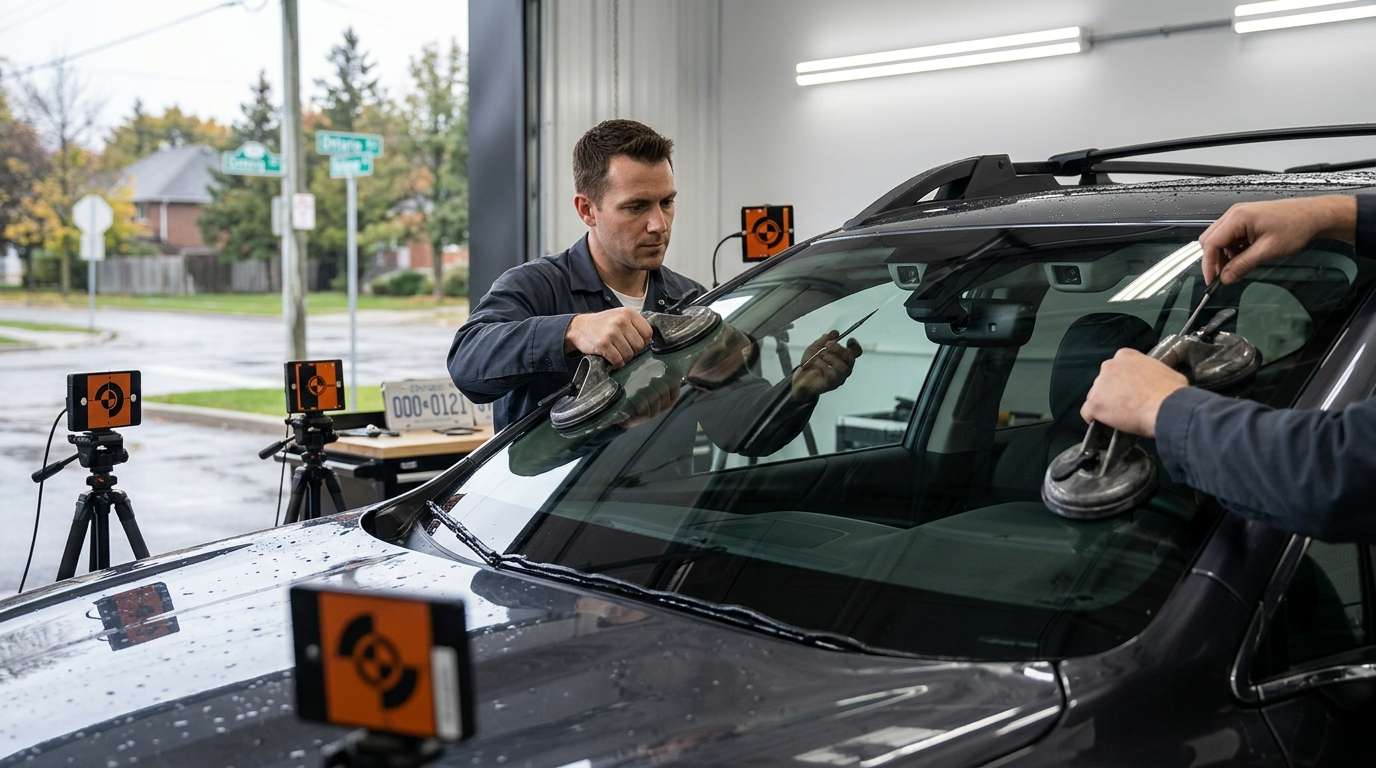
- Step 4: Perform an ADAS Recalibration. This is the fix 90% of the time. We hook up the diagnostic tool and run either a dynamic road test or set up static targets to realign the camera's digital center.
Need Professional ADAS Calibration in the GTA?
Fixing a U0414 isn't something you can usually DIY because of the specialized target boards and software required. If you're dealing with front camera errors or need a fresh piece of glass installed right the first time, give us a call at AlexWindshield. We handle expert mobile auto glass services and precise ADAS recalibrations right in your driveway anywhere in the Greater Toronto Area. Plus, we back up our work with a solid Lifetime Warranty. Let's get your safety systems working the way they should.


