Mazda C1967 Error Code: What It Actually Means
If you've got a Mazda throwing the C1967 code, you already know your dashboard is lit up with warnings. As a technician who spends all day dealing with auto glass and ADAS networks, I see this specific fault pop up a lot. Simply put, C1967 points to a Forward Sensing Camera (FSC) communication error. The camera mounted behind your rearview mirror has stopped talking to the Mazda Radar Cruise Control (MRCC) module and the rest of the CAN bus system.
Common Symptoms You Will Notice
When the FSC goes offline, the car shuts down related safety features to protect you. You will typically experience:
- A completely disabled Mazda Radar Cruise Control system.
- Smart City Brake Support (SCBS) malfunction warnings.
- Lane Keep Assist failing to engage.
- The master warning triangle glowing solid on your dash.
Why Is My MRCC Camera Losing Communication?
In my experience turning wrenches and swapping glass, a dead communication line rarely happens without a physical reason. Here are the most frequent culprits behind the C1967 fault:
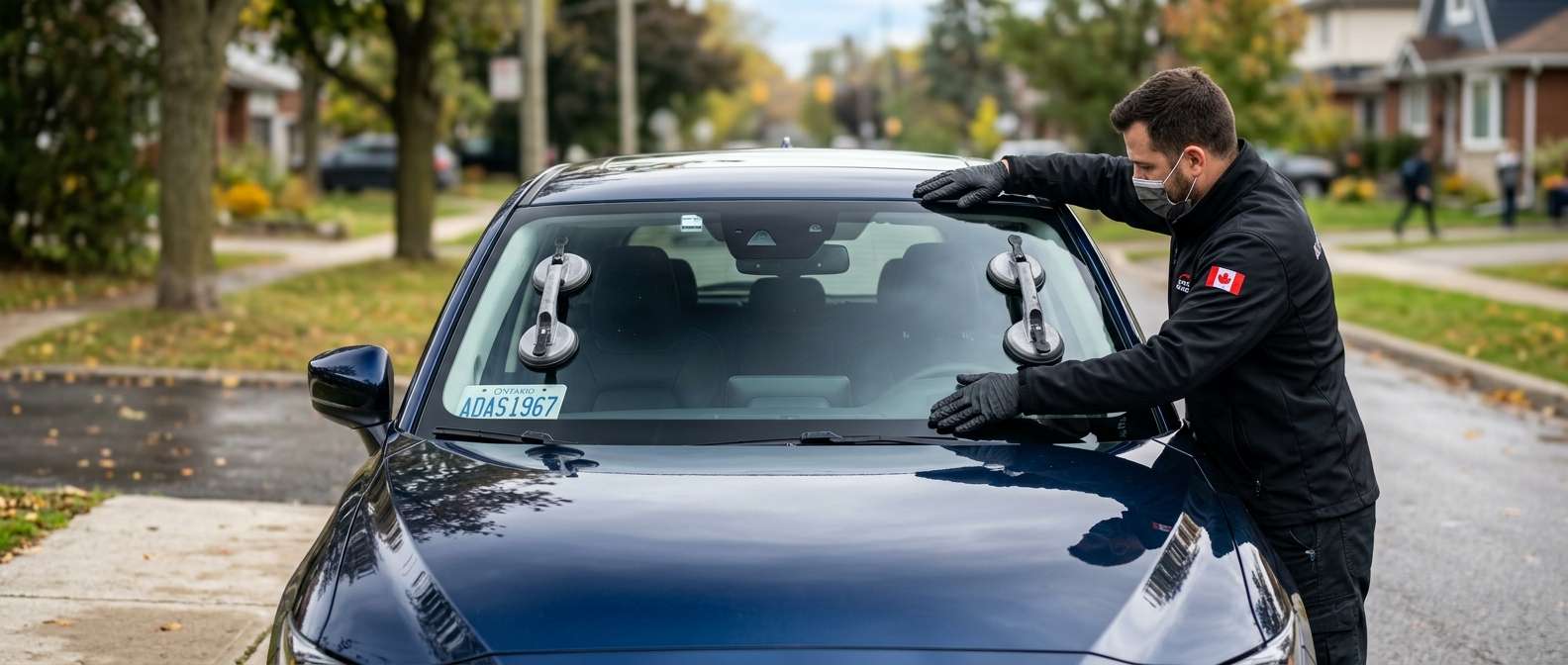
- Improper Windshield Replacement: This is a massive headache. A rushed installer might pinch the camera wiring harness under the plastic cowling or fail to seat the connector fully until it clicks.
- Corroded or Loose Pins: Moisture buildup near the top of the windshield can lead to green, corroded pins inside the camera connector.
- Blown Fuses: A short in the harness will pop the fuse powering the FSC.
- Failed Camera Module: Sometimes, the internal board on the camera simply burns out and stops sending data.
Diagnostic Steps to Pinpoint the Fault
Don't just throw a new camera at the car. Follow this straightforward diagnostic path to find the real issue.
- Step 1: Check the basics. Inspect the fuses related to the ADAS and FSC systems. If one is blown, trace the harness for a short before putting a new fuse in.
- Step 2: Inspect the physical connection. Remove the plastic cover behind the mirror. Unplug the camera and inspect the pins. Make sure the wiring harness isn't crushed, cut, or stretched tight.
- Step 3: Test the CAN bus lines. Grab your multimeter. You want to verify you have good power, a solid ground, and proper voltage on the CAN High and CAN Low wires right at the camera connector.
The Fix: Getting Your ADAS Back Online
If the wiring checks out but the camera won't communicate, you have to replace the FSC module. If you found a pinched wire from a sloppy glass job, repair the harness. Once you fix the physical problem, you must clear the codes and perform a proper ADAS calibration to get the MRCC system measuring distances accurately again.
Dealing with sensitive camera electronics and bad glass installs is exactly why you need someone who knows what they are doing. If you need windshield repairs or ADAS calibration in Canada, reach out to AlexWindshield. We handle mobile auto glass services anywhere in the GTA. Every replacement we do includes precise camera handling and comes backed by our Lifetime Warranty, so you never have to worry about pinched wires or mystery dashboard codes.


