Toyota C1A13 Front Camera Overheating Error: What It Means and How to Fix It
If you drive a newer Toyota around the GTA and suddenly see a "Front Camera Unavailable" message pop up on your dash, you're not alone. When I pull my OBD2 scanner out and find the C1A13 error code, I know exactly what we're dealing with: an overheating front ADAS camera. Let's break down why your safety system is running hot and how we get it back online.
Recognizing the C1A13 Symptoms
Your Toyota's Advanced Driver Assistance System (ADAS) relies heavily on the forward-facing camera mounted right behind your rearview mirror. When it overheats, the system protects itself by shutting down completely to prevent permanent circuit damage.
- Pre-Collision System (PCS) warning light illuminates on the dash.
- Lane Departure Alert (LDA) stops working entirely.
- The dashboard displays a specific "Camera Unavailable - Temperature Too High" warning message.
What Causes the Toyota Front Camera to Overheat?
Environmental Factors
The Canadian Summer Heat
Direct Sunlight Exposure
The most common reason I see this code in the shop is simply parking outside on a scorching summer day. The windshield glass acts like a magnifying glass. If the cabin temperature spikes, the camera module gets baked and triggers the C1A13 code.
Mechanical and Hardware Issues
Sometimes, the weather isn't to blame. Hardware degrades over time, and a few specific failures will cause this exact overheating issue.
- Failed Camera Cooling Fan: Many Toyota ADAS cameras have a tiny internal fan to dissipate heat. If dust clogs it or the small electric motor burns out, the camera can't vent properly.
- Windshield Obstructions: Heavy dirt, thick bug splatters, or a poorly installed aftermarket tint strip can trap heat directly against the lens.
- Internal Module Failure: The circuit board inside the camera assembly has simply shorted out and generates its own excessive heat.
Step-by-Step Solutions for the C1A13 Error
Don't panic and buy an expensive new camera right away. Try these practical steps first to clear the fault.
- Step 1: Cool the cabin. Park your Toyota in the shade or an underground garage. Roll down the windows or blast the AC up towards the windshield. If the code clears after 15 to 20 minutes, it was just environmental heat.
- Step 2: Clean the glass thoroughly. Grab a good glass cleaner and wipe down the windshield area right in front of the camera lens to remove any debris trapping the heat.
- Step 3: Listen for the cooling fan. Turn the ignition on (with the engine off) in a quiet spot. Put your ear near the plastic camera cover on the glass. You should hear a faint humming sound. If it's dead silent, your fan is likely shot.
- Step 4: Professional Diagnostics. If the camera is cool to the touch but still throwing the C1A13 code, you likely need a replacement unit and a full system recalibration.
Need Professional Help in the GTA?
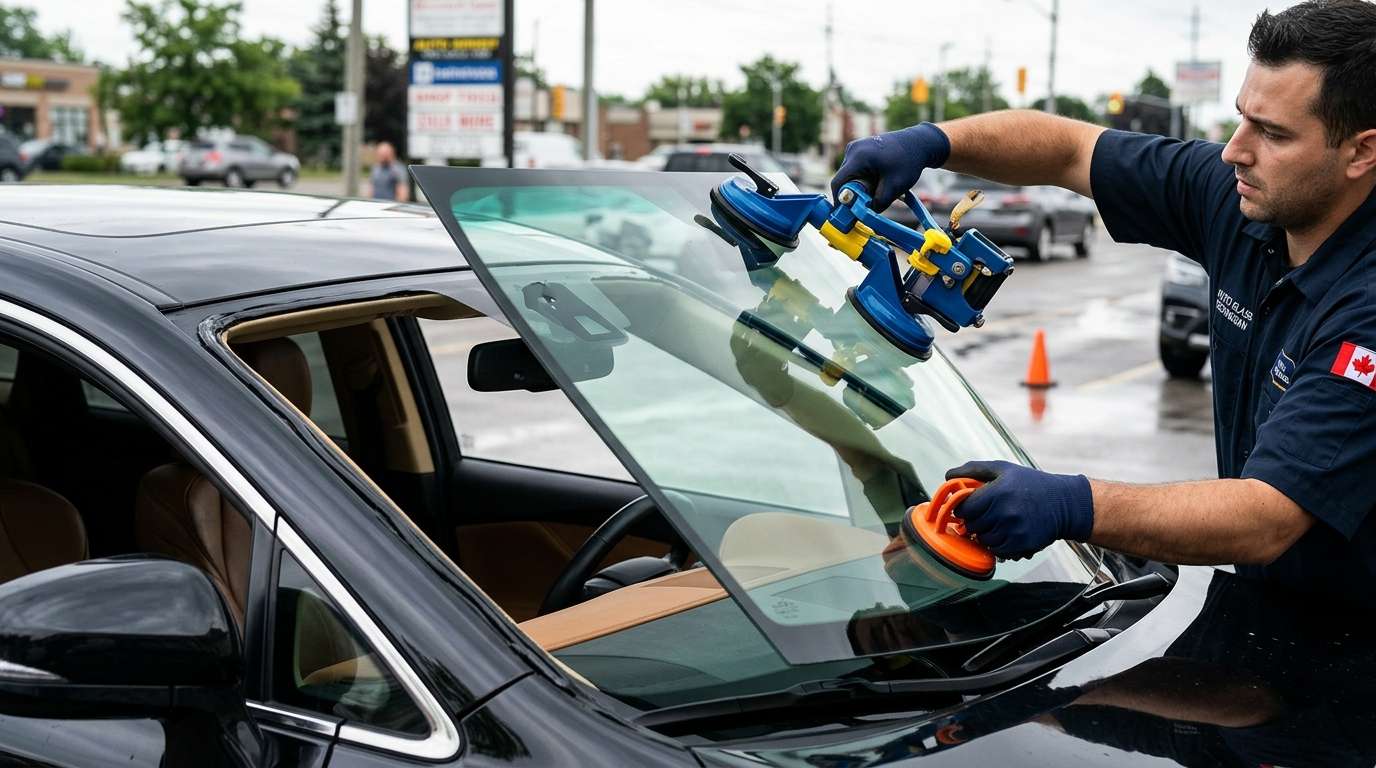
Replacing a windshield or dealing with a fried ADAS camera isn't a DIY driveway job. The system requires pinpoint computer calibration to make sure your automatic braking and lane keep assist actually work when you need them most. If your Toyota's front camera is acting up, or you need a fresh windshield installed the right way, reach out to AlexWindshield. We provide expert mobile auto glass services across the Greater Toronto Area, complete with professional ADAS calibration and a Lifetime Warranty. We come straight to your driveway, get the job done right, and get you back on the road safely.


