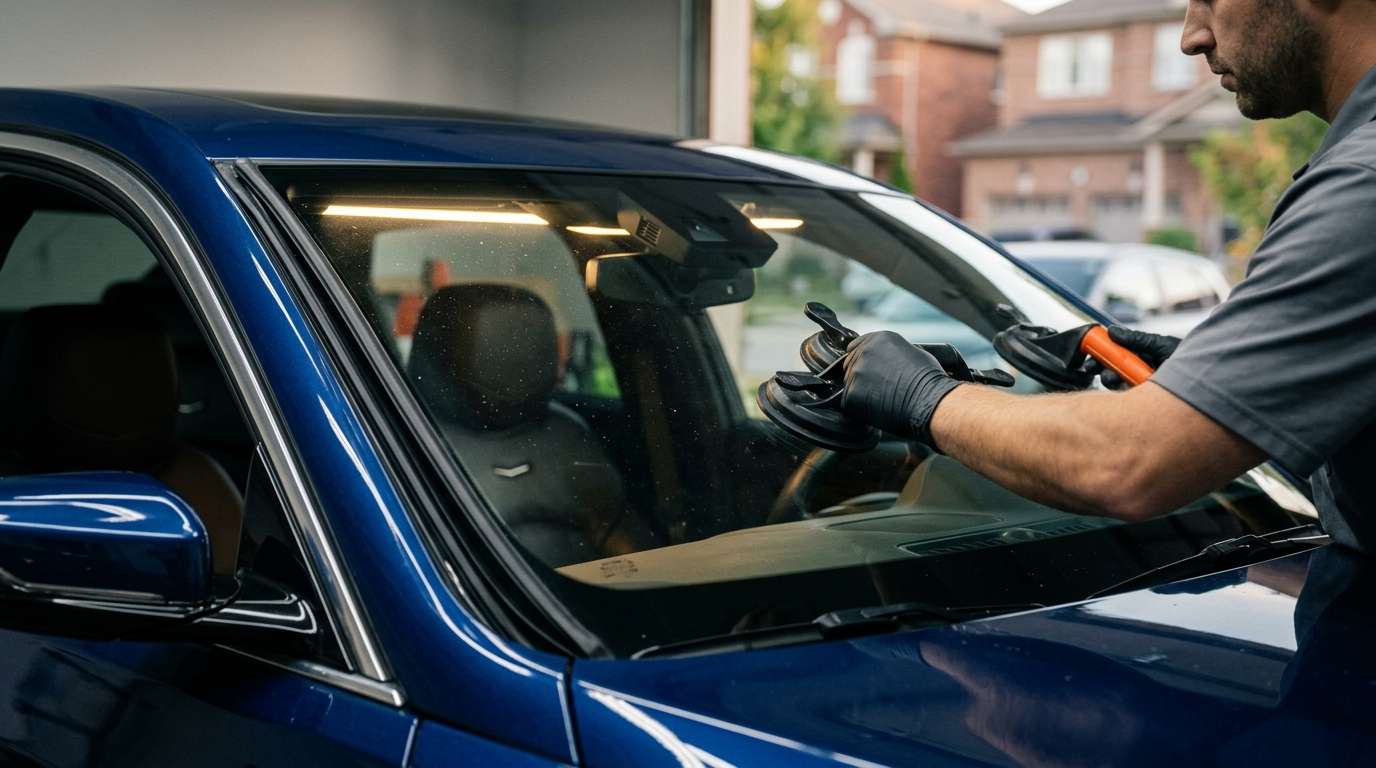
Dealing with GM P1F02 Front Camera Calibration Error After a Windshield Replacement?
You just got a new windshield on your Chevy or GMC, and now the dashboard is lighting up with warnings. Lane Keep Assist is down, and the scanner spits out code P1F02. I see this all the time in the shop. Let's break down exactly what this means and how to get your truck or SUV back to normal.
What Does Code P1F02 Mean?
In General Motors vehicles, the P1F02 diagnostic trouble code points directly to a front camera calibration failure. The front-facing camera, mounted right behind your rearview mirror, relies on a perfectly clear view to calculate distances and track lane lines. When the system tries to run its internal calibration routine and the visual data doesn't match what the computer expects, it throws this code and shuts down your Advanced Driver Assistance Systems (ADAS).
Common Symptoms You Will Notice
When this code triggers, the vehicle protects you by disabling systems that rely on bad data. You will usually experience:
- Dashboard Warnings: Messages like "Service Front Camera" or "Lane Keep Assist Unavailable" pop up on the cluster.
- Disabled Features: Forward Collision Alert and automatic emergency braking stop working completely.
- Warning Lights: An amber vehicle or lane icon stays lit on your dash.
Why Does This Happen After Changing the Glass?
When we swap out a windshield, we have to transfer the camera module to the new glass. If things aren't perfect, the P1F02 code pops up. Here is what usually goes wrong:
- Distorted Aftermarket Glass: Cheap replacement glass often has waves or ripples right in the trapezoid area where the camera looks out. The camera gets confused by the distorted image.
- Incorrect Bracket Placement: If the factory-installed bracket on the new windshield is off by even a millimeter, the camera angle changes and the system fails to calibrate.
- Smudges or Debris: A simple technician fingerprint on the camera lens or dust trapped between the lens and the glass ruins the camera's focus.
- Improper Seating: The camera module wasn't clicked completely into its housing, leaving it loose or tilted.
How We Fix the P1F02 Error
Fixing this isn't just about clearing the code with a scanner; you have to solve the physical problem first. Here is my exact shop process:
- Inspect and Clean: First, I pop the camera cover off and check the lens. A quick wipe with a lint-free cloth and some glass cleaner often does the trick.
- Check the Seating: I make sure all the retention clips are fully engaged. You should hear a solid click when the camera locks into the windshield bracket.
- Glass Quality Check: If the glass is clearly warped in front of the lens, the only fix is replacing the windshield again with OEM or premium OEE glass.
- Recalibration: Once everything is physically correct, we hook up our ADAS scan tool and perform a proper dynamic calibration drive to teach the camera its new parameters.
Trust the GTA Auto Glass Experts
Modern windshields are highly complex pieces of technology. If you are dealing with camera errors or just need a reliable replacement done right the first time, reach out to AlexWindshield. We handle mobile auto glass services across the GTA, bringing the right tools, premium glass, and proper calibration equipment directly to your driveway. We know how to fix tricky GM codes like P1F02, and we back all our work with a Lifetime Warranty so you can drive safe.


