Dealing with the Ford B119D Error Code? Here is What It Means
If you pulled a B119D code on your Ford, your dash is probably lighting up with warnings about your Pre-Collision Assist or Lane Keeping System being disabled. I see this all the time in the shop. This specific code tells us that the Image Processing Module A (IPMA)—that forward-facing camera mounted behind your rearview mirror—has a dirty lens or is picking up too much glare to see the road safely.
Common Symptoms You Will Notice
When the IPMA goes blind, your Ford shuts down the safety systems that rely on it to prevent false steering inputs or braking. You will usually experience:
- Dashboard warning messages like "Front Camera Malfunction" or "Pre-Collision Assist Not Available".
- Auto high beams failing to engage.
- Adaptive cruise control dropping out unexpectedly or refusing to turn on.
Top Causes for a Blocked or Glaring IPMA Camera
The Obvious Stuff: Dirt and Canadian Weather
Most of the time, the fix is right in front of you. Here in Canada, we deal with heavy slush, road salt, and freezing rain. If the windshield glass right in front of the camera gets coated in road grime or ice, the IPMA cannot process lines on the road.
Interior Smudges and Off-Gassing
Sometimes the problem is happening inside the cabin. Dashboard plastics can off-gas in the heat, leaving a hazy, oily film on the inside of the windshield. If this film builds up over the camera lens, it scatters incoming light and triggers the glare detected fault.
Poor Quality Aftermarket Windshields
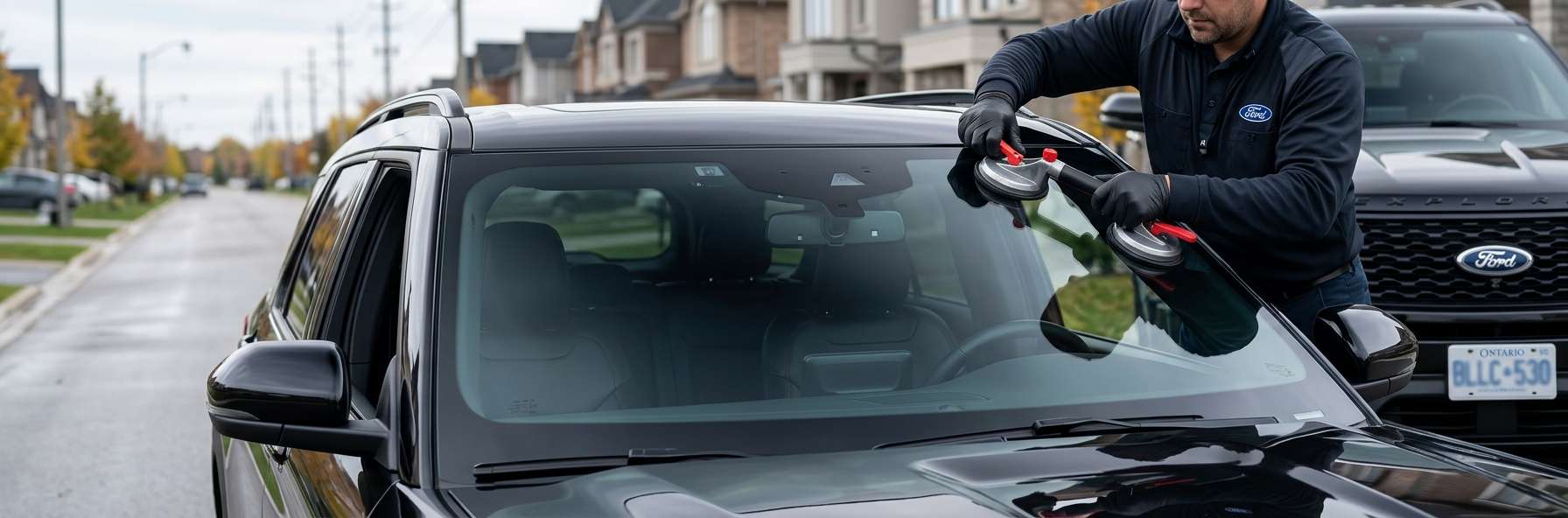
This is a massive headache I deal with constantly. If you recently had your windshield replaced by a cut-rate shop and suddenly got the B119D code, the glass itself might be the culprit. Cheap aftermarket glass often has waves or distortion in the camera window. This distortion bends the light, causing severe glare or focusing issues for the camera.
How to Fix the B119D Camera Issue
Step 1: Clean the Exterior Glass
Grab a clean microfiber towel and a high-quality automotive glass cleaner. Scrub the top center of your windshield where the camera looks out until the glass is completely spotless. Make sure your wiper blades are actually clearing this area properly.
Step 2: Inspect and Clean the Inside
Pop the plastic cover off the rearview mirror assembly to access the camera bracket. Inspect the actual camera lens and the glass right in front of it. Gently wipe away any hazy film using a dry microfiber cloth or a cotton swab. Never spray cleaner directly into the camera housing.
Step 3: Check for Glass Damage
Look closely at the windshield glass covering the camera. If you spot rock chips, deep scratches, or weird rippling in the glass, the camera will never calibrate correctly. The only fix here is a proper glass replacement.
Step 4: Clear Codes and Recalibrate
Once everything is clean, hook up a diagnostic scan tool, clear the B119D code, and take the truck for a drive to see if the systems come back online. If the camera bracket was disturbed or you had a bad windshield replaced, you must run a dynamic recalibration so the module learns its center point again.
Need Professional Help in the GTA?
If you cleaned everything and that camera still refuses to work, you might be dealing with defective glass or a bracket failure. That is where we step in. At AlexWindshield, we are the trusted experts for mobile auto glass services across the GTA. We bring OEM-quality glass and the proper ADAS recalibration tools right to your driveway so your safety systems work exactly how they should. Plus, every job we do comes with a Lifetime Warranty. Give us a call, and we will get your Ford seeing clearly again.


