BMW D5EB00 HUD Communication Failure: A Mechanic's Repair Guide
If you drive a modern BMW, you probably rely heavily on the Head-Up Display (HUD) to keep your eyes on the road. But when your dash throws the D5EB00 error code, that convenient projection on your windshield suddenly goes dark or starts glitching out. I've spent years in the bay working on these European electrical systems, and I can tell you exactly what this fault means, why it happens, and how we fix it in the shop.
Understanding the D5EB00 Error Code
In plain mechanic terms, D5EB00 points to a direct communication failure between the HUD module and your instrument cluster (known as the KOMBI) over the CAN bus network. The car's computer is basically saying, "I am trying to send vehicle speed and navigation data to the projector, but nobody is answering the phone."
Symptoms You Will Notice
- A completely blank or heavily flickering Head-Up Display.
- The HUD settings menu grayed out or inaccessible in your iDrive system.
- Warning messages on your main dash regarding display malfunctions.
What Causes the Connection to Fail?
- Loose or corroded wiring: The HSD (High-Speed Data) cable connecting the HUD to the cluster can wiggle loose over time from rough Canadian roads.
- Software glitches: Outdated iDrive or KOMBI firmware can cause modules to stop talking to each other.
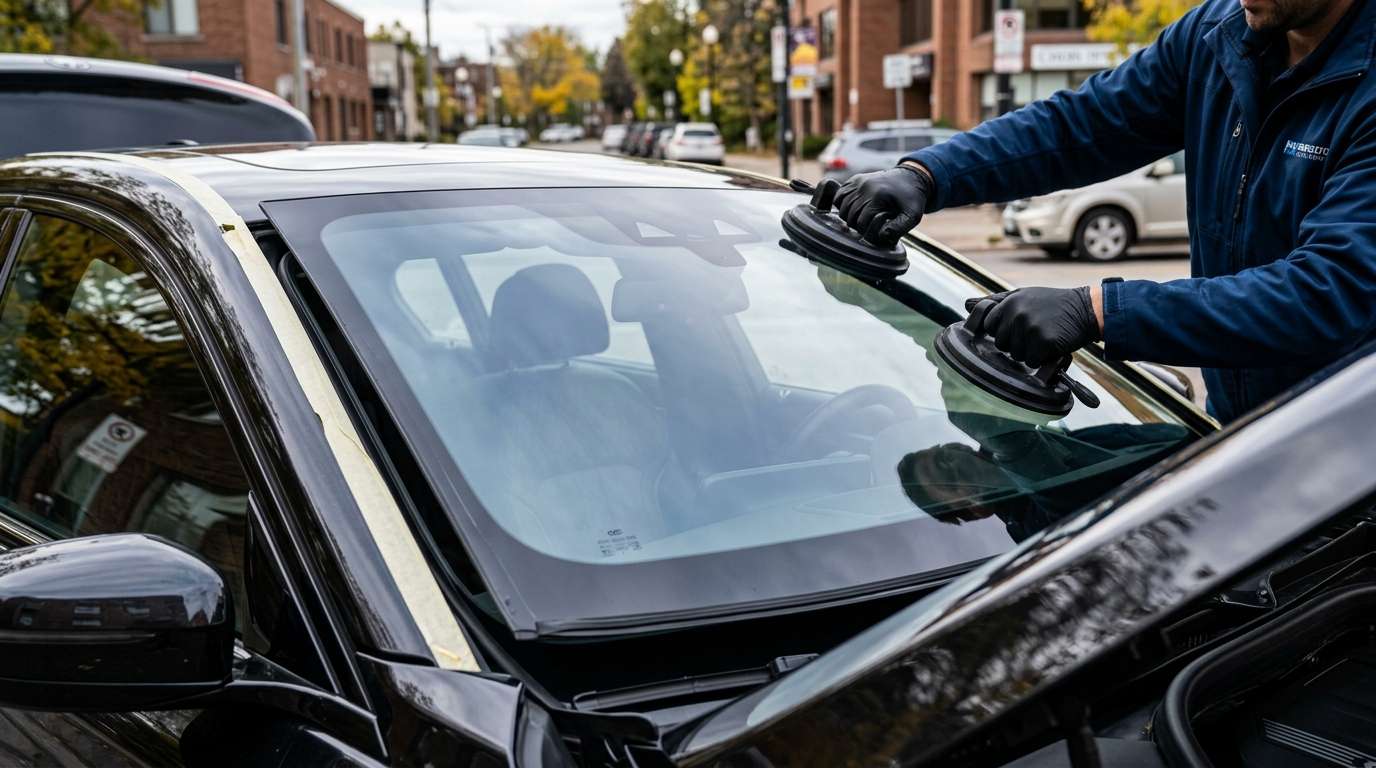
- Improper Windshield Replacement: If you recently had cheap aftermarket glass installed, the projector might fail to align, triggering system faults.
- Fried HUD Module: Extreme heat exposure from sitting in the summer sun can sometimes bake the internal circuit board on the dash.
Step-by-Step Diagnostic and Repair Guide
Don't just start throwing expensive parts at your BMW. Here is the exact process I use to track down and resolve this specific HUD communication failure.
Step 1: Check the HSD Cable Connections
First, pull the instrument cluster. It is usually just a couple of Torx screws and a plastic trim tool. Check the physical connection on the back of the cluster and the HUD module. Disconnect the HSD cable, inspect the pins for bent metal or corrosion, and click it firmly back into place. Often, a simple reseat restores communication.
Step 2: Run a Software Reset and Update
If the wiring looks good, hook up a professional OBD2 scanner (preferably ISTA+ for BMWs). Clear the D5EB00 code and perform a hard reset on the KOMBI and HUD modules. If the modules are running old firmware, flashing them to the latest software integration level usually patches the bug.
Step 3: Inspect the Windshield and Calibration
A lot of drivers don't realize that the HUD relies entirely on a specific polarized wedge layer inside the windshield. If the glass is damaged, distorted, or replaced with a non-HUD compatible aftermarket unit, the system won't function right. You might need a proper HUD-calibrated windshield replacement to fix projection issues.
Step 4: Module Replacement
If you have verified power, ground, and a good data line, but the code still won't clear, the HUD projector unit itself is likely dead. You will need to swap in a new module, calibrate the projection, and code it to your vehicle's VIN.
Need Expert Help in the GTA?
Dealing with BMW electrical gremlins and specialized glass isn't a DIY job for everyone. If your HUD issues stem from a cracked windshield or a bad glass installation, reach out to us at AlexWindshield. We are your trusted experts for mobile auto glass services across the Greater Toronto Area. We carry premium, HUD-compatible glass for BMWs and guarantee our work with a Lifetime Warranty. We will come right to your driveway, swap the glass, calibrate your cameras, and make sure your Head-Up Display looks as sharp as the day it rolled out of the factory.


