Dealing with the BMW 480101 Fault Code
If you drive a modern BMW and suddenly lose your Lane Departure Warning or high-beam assist, you are likely looking at the 480101 front camera communication failure. I see this specific code roll into the shop regularly, especially after a harsh winter here in Canada. It sounds intimidating, but once you understand how the KAFAS camera system talks to the rest of the car, tracking down the problem gets a lot easier. Let's break down exactly what this fault means and how to fix it.
What Does the 480101 Error Code Mean?
In plain mechanic terms, the 480101 code means your BMW's main computer lost contact with the front-facing camera mounted behind the rearview mirror. This camera runs on the K-CAN network. When the signal drops out, the car disables any safety systems relying on that video feed to protect you from unpredictable system behavior.
Common Symptoms You Will Notice
- Driver Assist Malfunction: A warning message pops up on your iDrive screen.
- Disabled Features: Lane keep assist, traffic sign recognition, and active cruise control stop working.
- High-Beam Assist Failure: Your automatic high beams refuse to turn on.
Most Frequent Causes
- Wiring Harness Damage: Pinched or frayed wires near the KAFAS camera connector, often caused by heat or vibration.
- Blown Fuses: A short somewhere else in the K-CAN loop can pop the fuse powering the camera module.
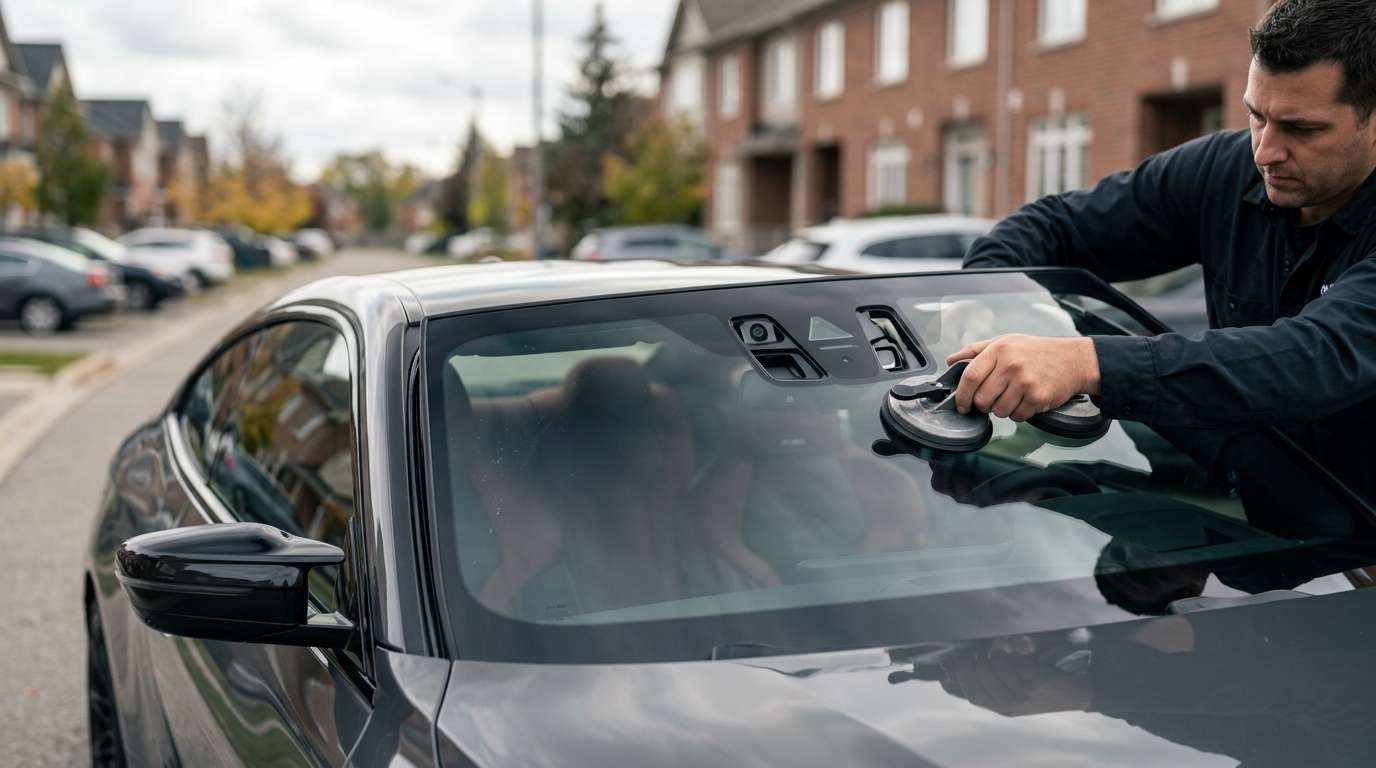
- Improper Windshield Replacement: If the camera bracket isn't seated right or the system wasn't recalibrated after new glass was installed.
- Faulty KAFAS Module: Sometimes, the camera unit itself just burns out and needs replacing.
Step-by-Step Diagnostic and Repair Guide
Step 1: Visual Inspection of the Camera Area
Start by pulling down the plastic trim behind your rearview mirror. Check the main plug going into the camera. Make sure the pins are clean, straight, and fully seated. I've fixed quite a few KAFAS faults just by clicking a loose connector back into place.
Step 2: Check Power and Ground
Grab your multimeter. You need to verify that the camera is actually getting power. Test the power supply wire and the ground wire at the connector. If you have no voltage, head to the fuse box in the passenger footwell or trunk and hunt down the blown fuse.
Step 3: Run Diagnostics with ISTA
If the wiring and power check out, hook the car up to BMW's ISTA diagnostic software. Run a test plan on the KAFAS control unit. If the module doesn't respond at all, you likely need a new camera. If it does respond but throws calibration errors, you just need to run the service function to recalibrate the camera lens to the windshield.
Need Help with Your BMW Auto Glass?
A lot of these KAFAS camera issues trace back to cheap auto glass or poor installation jobs. If you need a new windshield and want to make sure your safety cameras work perfectly the first time, reach out to AlexWindshield. We are your trusted experts for mobile auto glass services across the GTA. We bring the shop right to your driveway, handle all the necessary camera calibrations, and back our work with a Lifetime Warranty. Give us a call and let's get your BMW back on the road safely.


