VAG B2012 HUD Projection Angle Motor Error: Symptoms and Repair
If you drive a late-model Audi, Volkswagen, or Porsche and your Head-Up Display (HUD) is suddenly pointing at the sky or aiming right at your steering column, you are likely dealing with the B2012 error code. I see this specific VAG (Volkswagen Auto Group) fault pop up in the shop regularly. It usually means the tiny motor responsible for adjusting the internal mirror angle of your HUD has stopped doing its job.
What Exactly is the B2012 Code?
When you plug in your VCDS or ODIS scanner, the B2012 code translates to a malfunction in the HUD projection angle motor. The car's computer tries to move the display to your saved driver profile position, but the motor either draws too much current, doesn't move at all, or fails to reach its end stops. The system then disables the adjustment to prevent burning out the circuit.
Symptoms You Will Notice Behind the Wheel
- The HUD image is completely out of your line of sight.
- You hear a faint, repetitive clicking or grinding noise from the dashboard when you start the car.
- The display height adjustment slider in your MMI or infotainment screen is greyed out.
- Your HUD settings refuse to save after you turn off the ignition.
Main Causes of the Motor Failure
In my experience pulling these dash units apart, the B2012 code usually boils down to a few specific culprits:
- Stripped internal gears: The plastic gears moving the mirror track get brittle over time and shear off.
- Debris buildup: Dust gets past the dashboard trim, binding the track and forcing the motor to work too hard.
- Wiring faults: A pinched wire or loose connector right at the back of the HUD module.
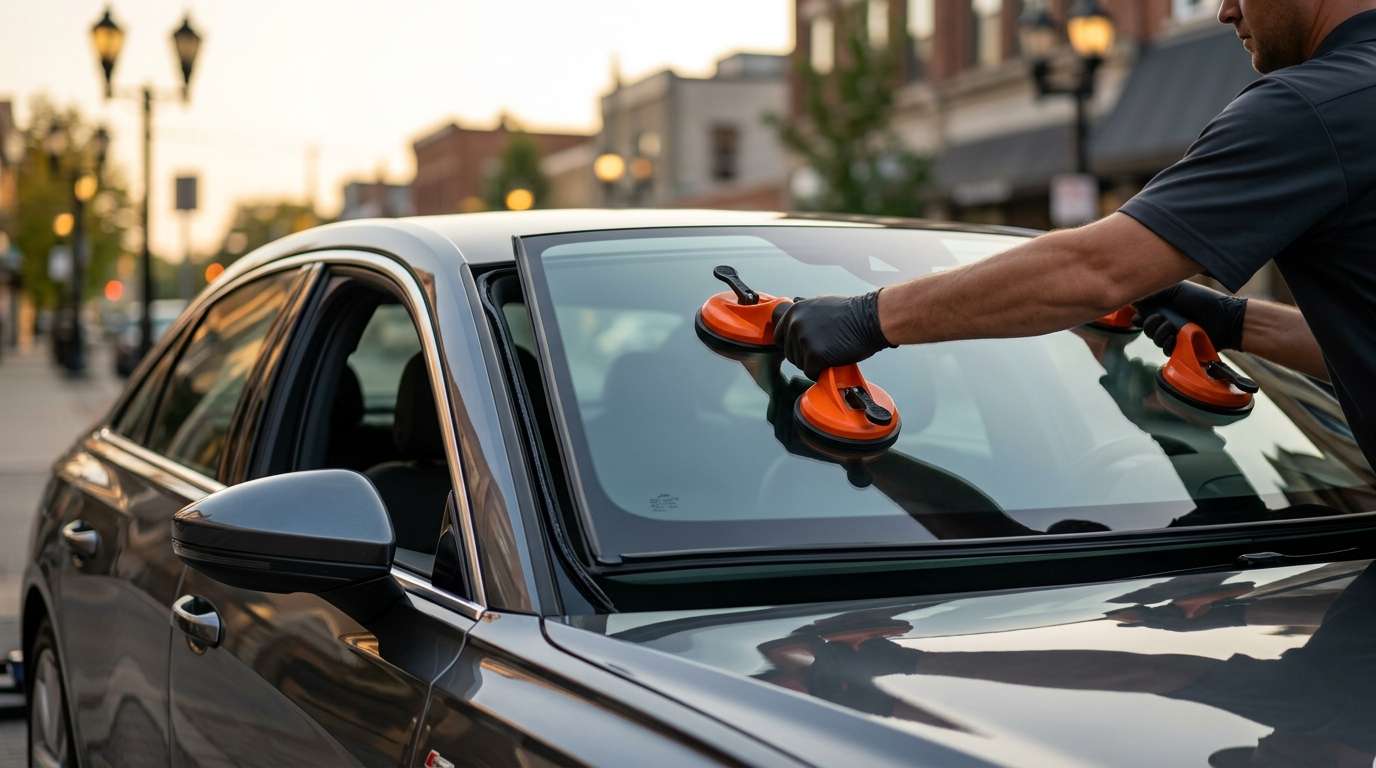
- Incorrect windshield installation: If a non-HUD compatible windshield was recently installed, the system tries to overcompensate for the distorted reflection, which eventually burns out the angle motor.
Step-by-Step Troubleshooting and Repair
Step 1: Scan and Clear
Always start by running a full diagnostic scan. Clear the B2012 code and see if it returns immediately. If it does, you have a hard fault that needs physical inspection.
Step 2: Run Basic Settings
Use your scan tool to initiate the HUD basic setting adaptation. This forces the motor to find its upper and lower limits. If you hear grinding during this test, the internal gears are shot.
Step 3: Access the Module
If the adaptation fails, you need to pull the upper dash trim to access the HUD unit. Check the wiring harness for tight bends or loose pins. Use a multimeter to verify the motor is getting power and ground from the control module.
Step 4: Repair or Replace
VAG does not sell the tiny internal gears separately. If the motor or gears are physically broken, you usually have to replace the entire HUD assembly. After installing the new unit, you must recalibrate it using a diagnostic tool and a specialized target board.
The Windshield Connection
I can't stress this enough: your windshield is an active component of the HUD system. Standard glass creates a double image. If you recently had a cheap aftermarket windshield installed, your HUD will never look right, and the motor will constantly try to auto-adjust to fix a reflection problem it simply can't solve.
Expert Auto Glass Services in the GTA
If you need a windshield replacement that actually works with your complex VAG electronics, reach out to AlexWindshield. We provide expert mobile auto glass services right across the GTA. We know exactly which glass your HUD requires, and we back all our installations with a Lifetime Warranty so you can hit the road with confidence.


