Dealing with the Toyota C1A12 Front Camera Image Quality Error
If you drive a newer Toyota around the GTA, you rely on the Toyota Safety Sense system to keep you out of trouble. But nothing is more annoying than starting your RAV4, Tacoma, or Corolla on a cold Canadian morning, only to hear a beep and see a "Front Camera Unavailable" message on your dash. If you pull the scanner codes and see C1A12, your car is telling you it has a front camera image quality error. I see this specific code in the shop all the time, and usually, it comes down to two main things: a dirty windshield or physical glass damage.
Symptoms of a C1A12 Code
When this code triggers, your Toyota’s brain essentially goes blind. You will notice a few immediate issues with your daily drive:
- The Pre-Collision System (PCS) warning light turns on and stays on.
- Lane Departure Alert (LDA) stops working entirely.
- Dynamic Radar Cruise Control disables itself.
- A master warning light pops up alongside a message prompting you to clean the sensor or windshield.
What Causes the Camera to Lose Image Quality?
The forward-facing camera sits right behind your rearview mirror, looking through a specific trapezoid-shaped area of the windshield. If anything blocks or distorts that view, the C1A12 code sets. Here is what I usually find when diagnosing this issue in the driveway:
- Dirt, salt, and bug splatters: Driving on the 401 kicks up a lot of grime. A thick layer of winter road salt directly over the lens area is the most common culprit.
- Interior condensation: Sometimes the internal camera heater fails, or high cabin humidity causes fog to build up between the camera lens and the inside of the glass.
- Stone chips and cracks: Even a tiny micro-chip right in front of the camera lens scatters incoming light, confusing the sensor.
- Poor aftermarket glass: If you recently had a cheap, low-quality windshield installed, optical distortion in the glass itself can trigger this error.
Step-by-Step Solutions to Fix the C1A12 Error
Before you spend diagnostic money at the dealership, try these practical steps to clear the code yourself.
Step 1: Clean the Glass
Grab a good automotive glass cleaner and a clean microfiber towel. Thoroughly wash the outside of the windshield, focusing heavily on the top center section where the camera looks out. Do the exact same thing for the inside of the glass.
Step 2: Defrost the Windshield
If it is a damp or freezing morning, blast your front defroster on high heat for about ten to fifteen minutes. This evaporates any hidden moisture or frost trapped in the camera housing.
Step 3: Inspect for Damage
Get a flashlight and look closely at the glass covering the camera lens from the outside. Run your fingernail over the area. If your nail catches on a pit, scratch, or you see a spiderweb crack, cleaning will not fix your problem. The camera simply cannot see past broken glass.
When to Call the Auto Glass Experts
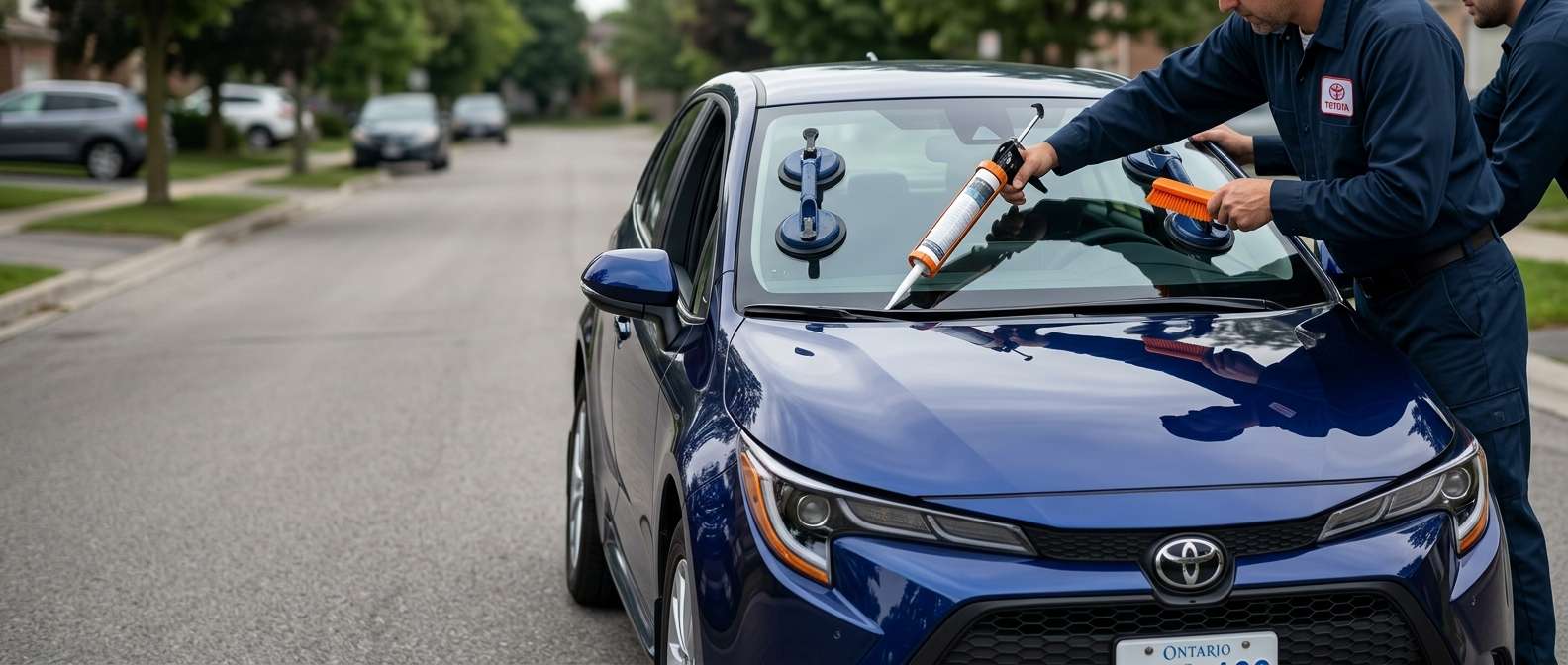
If you cleaned the glass, cleared the fog, and the C1A12 error code still will not go away because of a stone chip or a crack, you need a windshield replacement followed by a proper dynamic camera calibration. You cannot cut corners with advanced driver assistance systems.
That is where we come in. At AlexWindshield, we specialize in high-quality auto glass replacement and precise OEM-level camera recalibration. We provide mobile auto glass services right to your home or workplace anywhere in the GTA. Every single installation we do comes backed by a Lifetime Warranty, so you know the job is done right the first time. If your Toyota's safety systems are acting up due to damaged glass, give us a call and we will get you back on the road safely.


