Mercedes A40/3 Multifunction Camera Internal Error: A Mechanic's Guide
If you drive a modern Mercedes-Benz, you rely heavily on its Advanced Driver Assistance Systems (ADAS). But when your dash lights up with warnings pointing to the A40/3 Multifunction Camera, things get frustrating fast. I see this specific fault code pop up regularly here in the shop, often right after a rough Canadian winter or a botched windshield installation. Let's break down exactly what this internal error means, why it happens, and how we fix it.
What is the A40/3 Camera?
Mounted right behind your rearview mirror, the A40/3 camera is the eyes of your Mercedes. It controls your Lane Keeping Assist, Traffic Sign Assist, and Active Brake Assist. When the internal computer logs a fault, it shuts down these safety features to prevent unpredictable steering or braking behavior.
Symptoms You Will Notice
When the camera throws an internal error code, your car won't keep it a secret. You will typically experience:
- A persistent "Active Brake Assist Functions Limited" message on your dash.
- Lane Keeping Assist failing to engage or heavily pulling the steering wheel.
- Auto high-beams refusing to turn on at night.
- Diagnostic trouble codes (DTCs) specifically calling out the A40/3 component internal fault when scanned with a high-end tool like XENTRY.
Common Causes for the Failure
In my years of working on auto glass and ADAS systems, I've narrowed this down to a few main culprits. Sometimes it is a software glitch, but often it comes down to physical issues.
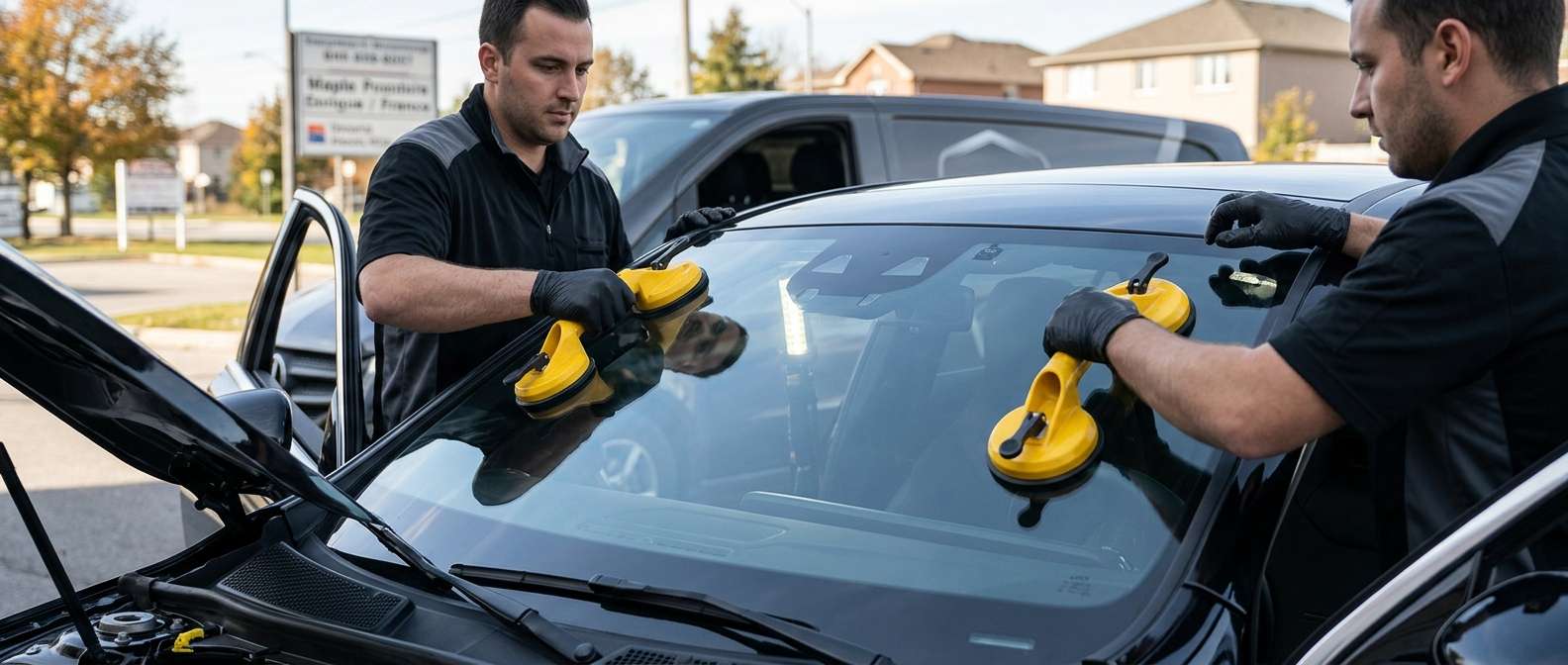
- Improper Windshield Replacement: If the camera bracket on an aftermarket windshield is off by just a millimeter, the camera cannot calibrate and eventually throws a persistent error.
- Overheating: The camera sits directly against the glass. Under intense sun, the internal circuitry can literally bake and fail.
- Corrupt Software: Voltage drops from a weak battery can scramble the camera's control module memory.
Step-by-Step Diagnostic and Repair Solutions
Fixing this isn't a simple clear-the-code-and-drive-away situation. Here is the exact process I use to get these systems back online.
- Step 1: Deep Scan. Hook up an advanced diagnostic scanner. We need to confirm if it is a hard internal failure (hardware) or a soft code (software).
- Step 2: Inspect the Mounting. I always check the windshield bracket. If the glass was recently replaced by a cut-rate shop, the heating element or retaining clips might be damaged, throwing off the camera pitch.
- Step 3: Software Flash. Before replacing expensive parts, we attempt to flash the camera module with the latest Mercedes firmware. Often, an update patches the communication error.
- Step 4: Hardware Replacement. If the module is completely fried, we have to swap out the physical A40/3 camera unit.
- Step 5: ADAS Calibration. Whether we updated the software or installed a new camera, the system requires a precise OEM calibration. We set up the target boards and run the dynamic drive process to teach the camera exactly where it sits on the road.
Need Expert Help in the GTA?
Dealing with Mercedes ADAS faults requires specialized tools and hands-on experience. If your A40/3 camera is acting up after a rock chip turned into a massive crack, don't leave your safety to chance. At AlexWindshield, we specialize in mobile auto glass services and precise ADAS calibration across the GTA. We bring the shop right to your driveway, ensuring your Mercedes sees the road perfectly. Plus, every piece of glass we install is backed by our rock-solid Lifetime Warranty. Reach out to us today and let's get your vehicle sorted out the right way.


