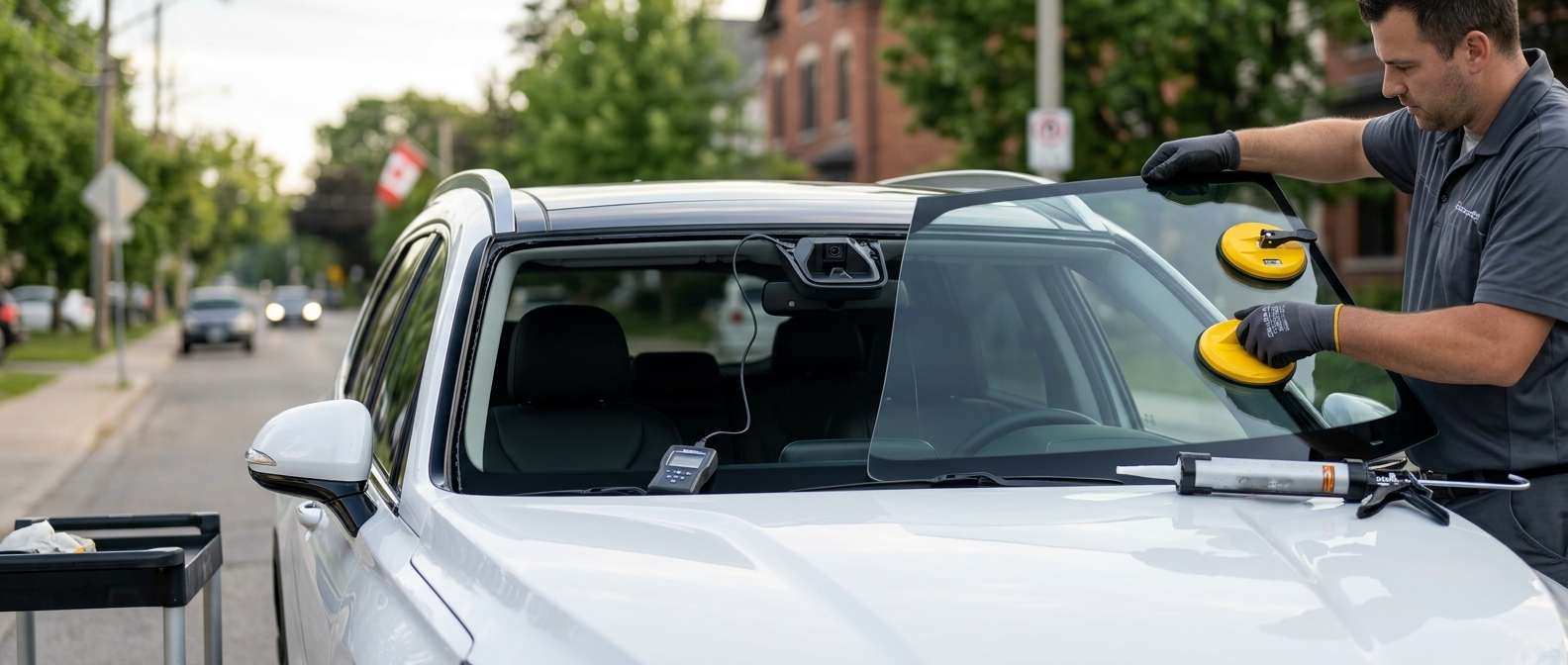
Dealing with the Hyundai C1603 Lane Detection Camera Error
If your Hyundai dash just lit up with a Lane Keeping Assist warning and your scanner pulled a C1603 error code, your forward-facing camera is having a bad day. I see this specific code pop up in our shop all the time, especially after a harsh Canadian winter or a botched windshield replacement. The C1603 code directly points to a fault in the Lane Detection Camera system, meaning your car can no longer see the road lines to keep you centered.
What Exactly is Happening?
In most Hyundai models, the C1603 code triggers when the ADAS (Advanced Driver Assistance Systems) camera module overheats, detects a hardware failure, or loses communication with the main computer. When this happens, the system shuts down to prevent the car from making dangerous, incorrect steering adjustments.
Symptoms You Will Notice
- A solid yellow Lane Keep Assist (LKA) icon on your dashboard.
- A "Check Lane Keeping Assist System" message on the instrument cluster.
- Complete loss of auto-steering and lane departure warnings.
Top Causes for the C1603 Code
Before you rush out to buy a costly new camera module, let's look at why this happens. In my experience, the root problem usually falls into one of three categories:
- Extreme Temperature Swings: Here in Canada, we get wild weather. The camera has a built-in heater to melt frost and condensation off the glass. If that heater burns out or the camera bakes in the summer sun, it throws the C1603 code.
- Low-Quality Windshield Glass: If you recently had your windshield replaced with cheap aftermarket glass, the camera lens might be looking through distorted glass. The system gets confused and shuts down entirely.
- Loose Harness Connections: Sometimes, the wiring plug going into the camera gets knocked loose or wasn't seated right after a repair.
How to Fix the C1603 Error
Ready to get your hands dirty? Here is how I tackle this issue in the bay.
Step 1: Inspect the Windshield Area
Look at the glass right in front of the rearview mirror. Is it dirty, cracked, or foggy inside? Clean the outside of the glass thoroughly. If there is condensation trapped inside the camera housing, the camera heater is likely failing and the unit needs attention.
Step 2: Check the Wiring Harness
Pop off the plastic cover behind your rearview mirror. Unplug the main connector going into the camera, check for bent pins, and click it firmly back into place. A surprising amount of electrical gremlins disappear with a simple unplug and replug.
Step 3: Hard Reset and Clear Codes
Disconnect your negative battery terminal for about 15 minutes to drain the residual power. Reconnect it, hook up an OBD2 scanner capable of reading ABS/ADAS modules, and clear the C1603 code. Take the car for a test drive on a road with clearly painted lines at speeds over 60 km/h.
When You Need a Professional ADAS Calibration
If the code comes right back, you are likely looking at a required ADAS camera calibration or a full module replacement. Any time the camera is moved, replaced, or looking through a new windshield, it must be recalibrated with specialized target boards so the computer knows exactly where it is pointing.
Trust the Auto Glass Experts in the GTA
Don't let a bad windshield installation mess with your car's safety systems. If you need a windshield replacement that guarantees your lane detection camera works exactly as it should, call us at AlexWindshield. We specialize in mobile auto glass services across the GTA, bringing OEM-quality glass and precise ADAS calibration right to your driveway. Plus, we back our work with a Lifetime Warranty. Get your glass fixed right the first time.


