Dealing with the Hyundai C1601 Code? Here is What You Need to Know
If your Hyundai dash just lit up and disabled your Lane Keep Assist, you are probably staring at a C1601 trouble code. I see this specific Multifunction Camera Communication Fault all the time in the shop, especially after a rough pothole hit or a poorly done windshield replacement. Let us break down exactly what this code means, why it happens, and how we fix it.
What is the C1601 Multifunction Camera Communication Fault?
Modern Hyundais rely on a Multifunction Camera (MFC) mounted right behind your rearview mirror. This camera acts as the eyes for your Advanced Driver Assistance Systems (ADAS). When the C1601 code pops up, it means the camera has stopped talking to the car's Controller Area Network (CAN bus). Essentially, the camera and the car's main computer dropped their connection.
Symptoms You Will Notice
When communication fails, the car shuts down systems that rely on that camera to keep you safe. You will usually experience the following:
- Lane Keeping Assist (LKA) warning light illuminated on the dash.
- Forward Collision-Avoidance Assist (FCA) disabled messages.
- Auto high-beams stop working.
- A generic master warning triangle on your instrument cluster.
Top Causes for the C1601 Error
In my years of turning wrenches and fixing auto glass, I trace this fault back to a few specific culprits:
- Loose or Damaged Wiring: The harness connecting the camera to the roof console can get pinched or wiggle loose from road vibrations.
- Blown Fuses: A power surge or a short can blow the specific fuse powering the ADAS module.
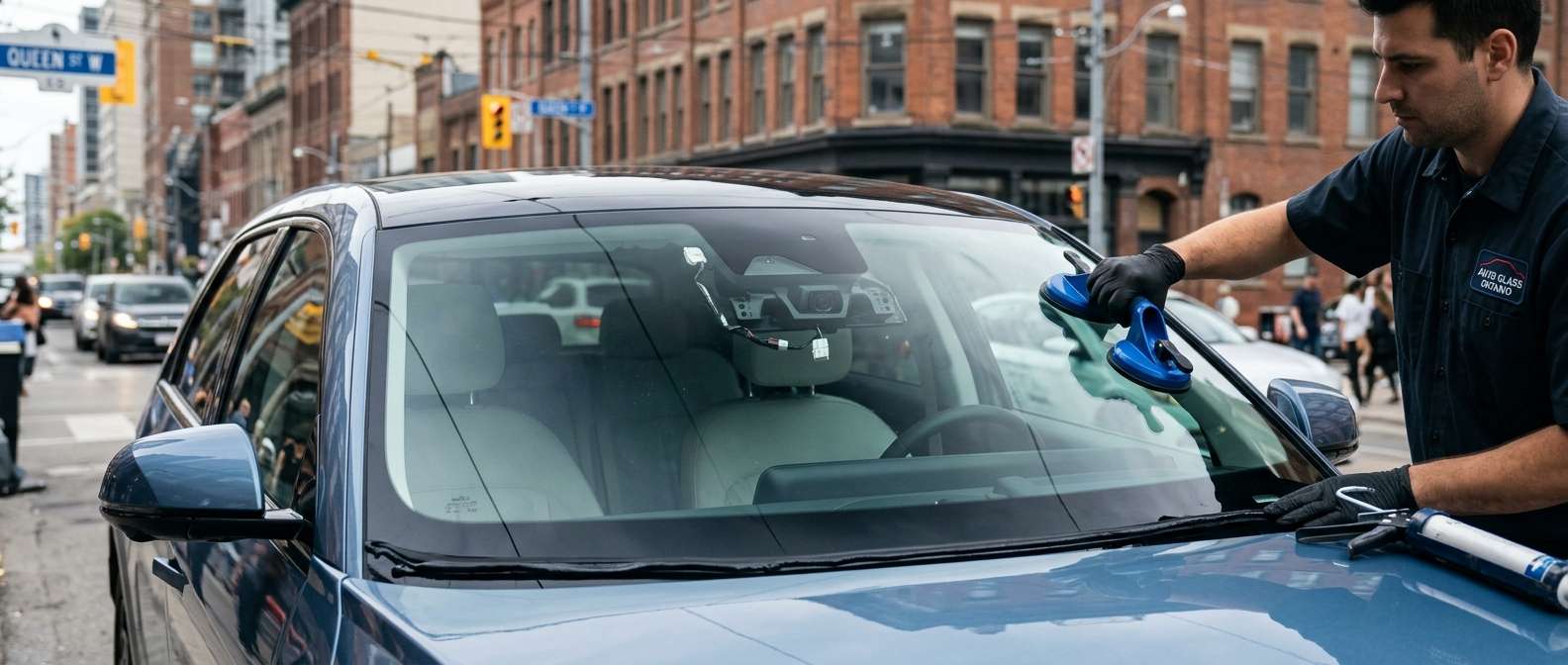
- Poor Windshield Installation: If you recently had your windshield replaced by a careless tech, they might have damaged the mounting bracket or failed to plug the camera back in properly.
- Faulty Camera Unit: Sometimes, the internal circuit board in the camera just fries and requires a full replacement.
Step-by-Step Fix for the Hyundai C1601 Code
Step 1: Check the Power Supply
Always start simple. Grab your test light and check the interior fuse box. Look for the fuse labeled "MULTI MEDIA", "MODULE", or "ADAS" depending on your specific Hyundai model year. If it is blown, replace it and clear the code.
Step 2: Inspect the Camera Connection
Carefully pop the plastic cover off the windshield behind the rearview mirror. Check the main connector plugging into the camera. Unplug it, look for bent pins or corrosion, and click it firmly back into place. You want to hear an audible click.
Step 3: Run a CAN Bus Diagnostic
If the wiring looks good, hook up a professional OBD2 scanner. Check if the camera module is communicating at all. If the scanner cannot talk to the camera, you likely have a dead module or a break deep in the CAN wiring harness.
Step 4: ADAS Recalibration
If you just had your windshield replaced or the camera was unplugged for testing, the system often throws a communication or alignment code. The camera requires a strict ADAS recalibration using specialized target boards to sync back up with the vehicle's computer.
Need Expert Help in the GTA?
Safety systems are not something you want to guess on. If your Hyundai is throwing the C1601 code after a rock chip cracked your glass, we have your back. At AlexWindshield, we specialize in professional mobile auto glass services across the Greater Toronto Area. We do not just replace the glass; we perform precise, factory-level ADAS recalibrations right in your driveway to ensure your multifunction camera communicates perfectly. Best of all, every replacement comes with our unbeatable Lifetime Warranty. Give us a call and let us get your Hyundai back on the road safely.


