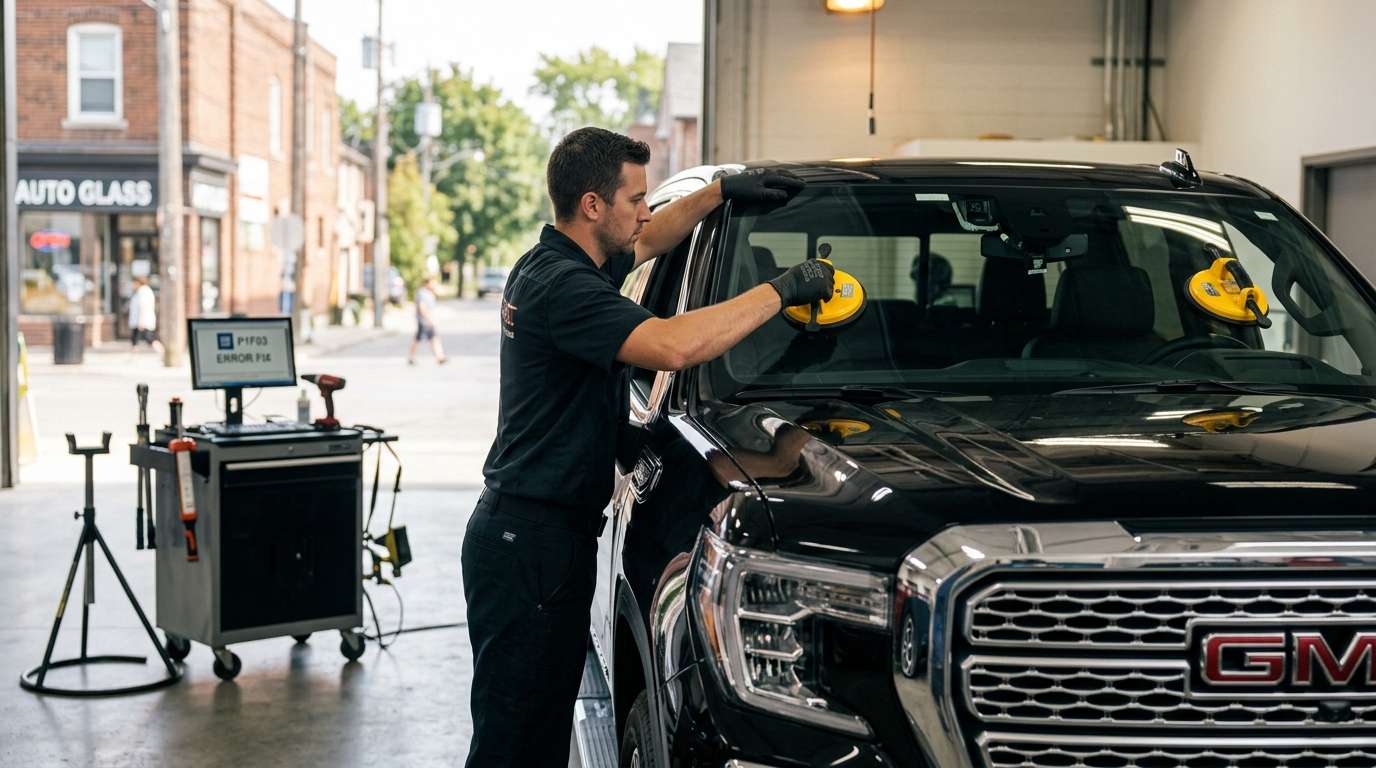
Dealing with the GM P1F03 Front Camera Error
If you are driving a late-model Chevy, GMC, or Cadillac and suddenly see a cluster of safety warnings light up your dash, you might be dealing with the P1F03 code. I see this exact issue roll into the shop all the time, especially after a harsh Canadian winter or a botched windshield replacement. Let us break down what this front camera communication error means and how we actually fix it in the bay.
What the P1F03 Code Actually Means
In modern General Motors vehicles, the front-facing camera mounted behind your rearview mirror is the brain for your Advanced Driver Assistance Systems (ADAS). When I hook up my scan tool and pull a P1F03, it tells me the vehicle's internal network has lost communication with the Front View Camera Module. Without a steady data signal from that camera, the car shuts down several automated safety features to prevent unpredictable steering or braking behavior.
Symptoms You Will Notice on the Dash
You usually will not feel any drivability issues with the engine or transmission, but your instrument cluster will definitely let you know something is broken. Look out for these obvious signs:
- A persistent "Service Front Camera" message popping up on the driver information center.
- Lane Departure Warning and Lane Keep Assist systems are completely disabled.
- Forward Collision Alert and Automatic Emergency Braking become unavailable.
- An amber warning light shaped like two cars crashing stays illuminated.
Main Causes Behind the Communication Loss
Over my years under the hood and working behind the glass, I have tracked the P1F03 code down to a few specific culprits. It is rarely a random glitch:
- Wiring and Connector Issues: The wiring harness connecting the camera to the roof console gets loose, pinched, or corroded. A bad ground here is a common offender.
- Overheating Modules: Parking in direct, intense sunlight can sometimes fry the camera's internal circuitry, causing a hard module failure.
- Poor Windshield Replacements: If a previous tech installed cheap aftermarket glass with a misaligned camera bracket, the lens cannot focus properly. The system panics and throws a communication fault.
- Software Faults: Occasionally, the module freezes up and requires a hard reset and a software flash directly from the GM techline.
Step-by-Step Solutions and ADAS Calibration
Fixing a P1F03 is not a simple driveway DIY job because of the network diagnostics and programming involved. Here is exactly how I tackle it:
- Visual and Electrical Inspection: I start by checking the windshield bracket and the wiring harness at the camera. I use a multimeter to check for 12-volt power, ground, and a healthy CAN bus signal at the connector.
- Module Reset: I clear the history codes and perform a battery reset. If the P1F03 comes right back immediately, I know we have a hard fault rather than a temporary glitch.
- Camera Replacement: If the wiring has power and ground but the module refuses to talk to the scan tool, the camera is dead. I swap in a genuine OEM GM front view camera.
- ADAS Calibration: This is the most critical step. Anytime I unplug that camera or replace a windshield, I set up the laser target boards in the shop and run a full static ADAS calibration. This teaches the new camera exactly where the center of the road is.
Modern auto glass is packed with sensitive technology, and a basic windshield replacement can easily trigger codes like the P1F03 if the tech cuts corners. If you are dealing with camera errors or need a fresh windshield, give us a shout at AlexWindshield. We provide expert, fully mobile auto glass services right to your home or workplace across the GTA. We back our work with a Lifetime Warranty and handle the complete ADAS calibration on-site, ensuring your vehicle's safety systems work exactly like they did rolling off the factory floor.


