Ford B119B IPMA Camera Processor Internal Error: Diagnostic Guide
If you are pulling a B119B code on your Ford, your dash is probably lit up with driver-assist warnings. I see this specific Image Processing Module A (IPMA) error in the shop all the time, especially on newer F-150s, Explorers, and Escapes. Let's break down exactly what this internal processor error means, why it happens, and how we actually fix it in the bay.
What Does Code B119B Mean?
The IPMA is the forward-facing camera mounted right behind your rearview mirror. When your scanner spits out B119B: IPMA Camera Processor Internal Error, it means the module's internal logic board has detected a fault it cannot self-correct. The camera is effectively locked up and offline.
Common Symptoms You Will Notice
When the IPMA goes down, it takes your Advanced Driver Assistance Systems (ADAS) with it. You will likely see these messages pop up on your cluster:
- "Pre-Collision Assist Not Available"
- "Lane Keeping System Fault"
- Auto High Beams disabled
Main Causes of the B119B Fault
- Software glitches: The most common culprit. The module simply needs a logic flash to wake back up.
- Extreme heat: Baking in the Canadian summer sun can sometimes trigger a temporary thermal shutdown of the camera processor.
- Physical damage: This often happens if the camera was dropped, touched directly on the lens, or mishandled during a recent windshield replacement.
- Hardware failure: The internal processor board itself is fried and requires a full replacement.
Step-by-Step Diagnostic and Repair Process
Step 1: Hard Reset and Code Clearing
Don't just fire the parts cannon at it right away. First, clear the DTCs using FDRS or a capable bidirectional scanner like FORScan. Disconnect the negative battery terminal for 15 minutes to force a hard reset on the vehicle's network. Reconnect the battery and take the truck for a test drive. If the code stays gone, you just had a transient software glitch.
Step 2: Check for Software Updates
Ford releases Technical Service Bulletins (TSBs) for IPMA logic issues regularly. Hook up your VCM and check if there is a programmable module installation (PMI) update available for the IPMA. Flashing the newest calibration fixes this processor code about half the time.
Step 3: Module Replacement and Recalibration
If the code comes right back after a reset and a software update, the camera is dead. You need to order and install a new IPMA unit. Once the new camera is snapped into the windshield bracket, you must perform a dynamic camera recalibration. This involves driving the vehicle on well-marked roads at specific speeds so the new camera can learn its position.
A Quick Note on Windshield Quality
Always ensure your windshield meets OEM specifications. Cheap aftermarket glass with heavy distortion will cause a perfectly good IPMA to fail its recalibration process entirely.
Need Professional Auto Glass Help in the GTA?
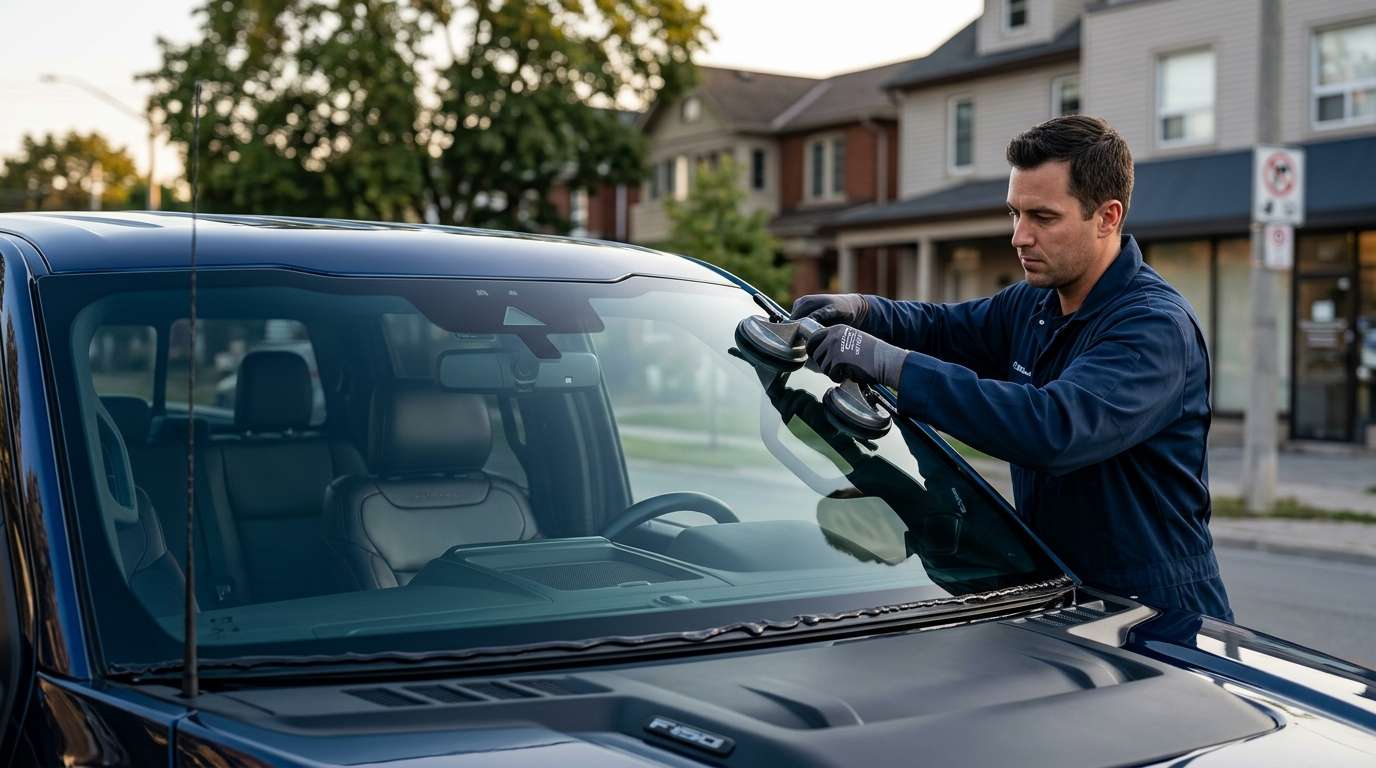
Dealing with windshield cameras and ADAS calibration is not a DIY driveway job. If your Ford needs a new windshield or a camera recalibration after an IPMA swap, call the experts. At AlexWindshield, we specialize in mobile auto glass services across the Greater Toronto Area. We handle the glass installation, the camera mounting, and the precise ADAS recalibration right at your location. Plus, we back our work with a rock-solid Lifetime Warranty. Reach out today and let's get your Ford's safety systems back online.


