VAG C15DE Front Camera Lens Dirty or Fogged – Repair Guide
If you drive a modern VW, Audi, or Porsche, you rely heavily on the front-facing camera mounted behind your rearview mirror. When the C15DE error code pops up, your dashboard usually lights up with annoying warnings about Lane Assist or Pre-Sense being unavailable. I see this specific code in the shop all the time, especially during our unpredictable Canadian winters. Let's break down exactly what this code means, what causes it, and how to get your driver assistance systems back online.
Understanding the C15DE Fault Code
The C15DE code translates directly to "Front Camera Lens Dirty or Fogged." Your VAG vehicle's computer automatically disables the Advanced Driver Assistance Systems (ADAS) because the camera simply cannot see the road clearly. It is a safety fail-safe. If the camera is blind, the car will not try to steer or brake for you.
Symptoms You Will Notice
- Dashboard Warnings: Messages like "Front Assist not available" or "Sensor view restricted."
- Lane Assist Failure: The system refuses to activate or drops out unexpectedly.
- Adaptive Cruise Control Disabled: You won't be able to set your cruising speed.
Why Your Windshield Camera Keeps Fogging Up
Living in Canada means dealing with road salt, slush, and massive temperature swings. These environmental factors are the usual suspects, but sometimes the hardware itself fails. The main causes include heavy exterior dirt over the camera triangle, internal condensation trapped inside the camera housing, or a burnt-out camera bracket heating element.
Step-by-Step Diagnostic and Repair
Step 1: The Basic Exterior Check
Grab a high-quality glass cleaner and a microfiber towel. Thoroughly clean the exterior of the windshield, focusing on the triangular cutout at the top center of the glass. Road grime and salt buildup here is the number one cause of the C15DE error. If the glass is clean and the code persists, move inside the cabin.
Step 2: Internal Condensation and the Defroster
Look closely at the camera lens from the outside in. Do you see a milky film or water droplets? If so, start your engine and blast the front windshield defroster on high heat for about ten minutes. If the fog clears up and the error goes away, you just had a temporary humidity issue.
Step 3: Testing the Camera Bracket Heater
If the lens constantly fogs up inside the housing, you likely have a dead heating element. VAG vehicles use a small heater pad built into the camera bracket to burn off morning frost and condensation. Pop off the plastic rearview mirror trim using a plastic pry tool. Unplug the camera heater connector and use a multimeter to check for continuity. If you get an open circuit, the heater is dead. You will need to order a replacement heating element and snap it into the bracket.
A Quick Note on Windshield Replacements
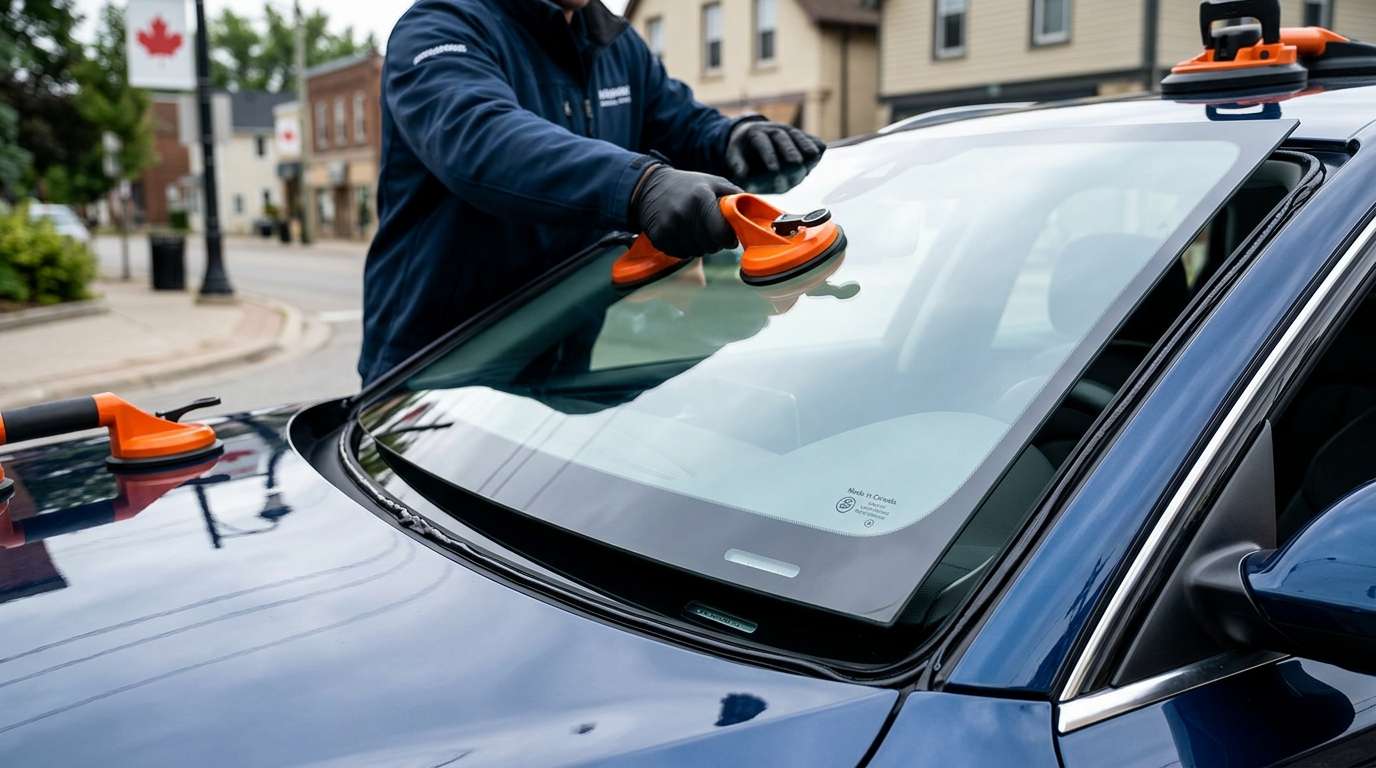
Sometimes this error triggers after a cheap, aftermarket windshield installation. If the camera bracket wasn't mounted perfectly flush against the glass, air gaps allow moisture to build up permanently.
Expert Mobile Auto Glass Services in the GTA
If you are dealing with a heavily pitted windshield that is blinding your camera, or you need a full replacement and proper ADAS recalibration, you need a technician who knows what they are doing. At AlexWindshield, we provide top-tier mobile auto glass services across the GTA. We bring the shop right to your driveway, ensure your camera systems are perfectly calibrated, and back our work with a Lifetime Warranty. Give us a call and let's get your car safely back on the road.


