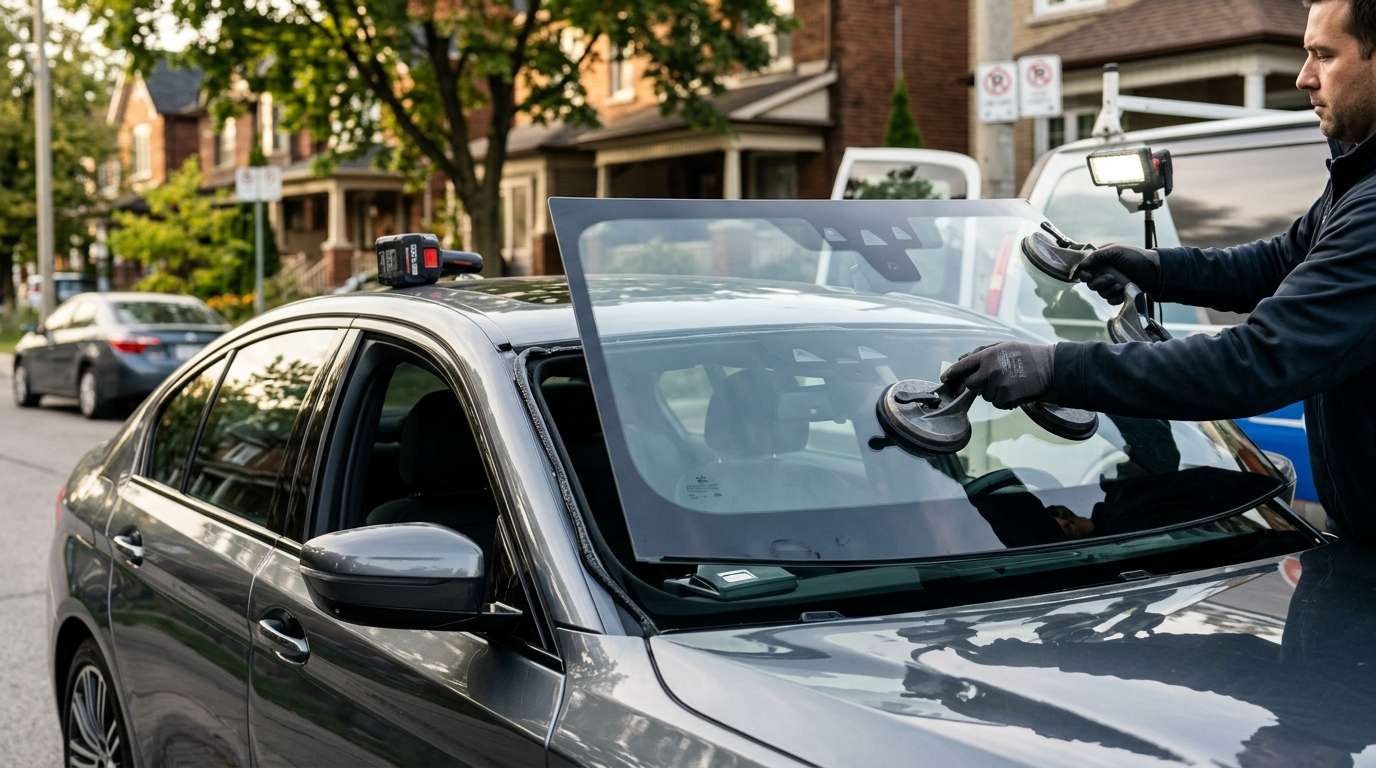
Fixing the BMW D5EB10 HUD Projection Calibration Error
If you just had your BMW windshield replaced and suddenly your Head-Up Display looks like a blurry mess, you are likely staring down the barrel of a D5EB10 fault code. I see this issue roll into the shop regularly. You hook up your OBD scanner, and there it is: HUD Projection Calibration Error. Let's break down exactly what this means, why it happens, and how we fix it.
What Does the D5EB10 Error Look Like?
This isn't a subtle problem. When the D5EB10 code triggers, your HUD acts up immediately. Here is what you will typically notice from the driver's seat:
- Double vision: The numbers and navigation arrows look like they have a ghosting effect.
- Blurry projection: The text is completely out of focus, giving you a headache when you try to check your speed.
- Off-center alignment: The display sits way too high, low, or tilted on the glass.
Root Causes of the D5EB10 Fault
The Wrong Windshield Glass
BMWs equipped with a HUD require a very specific type of glass. It has a special wedge-shaped PVB layer built right into it. If a shop installs a standard piece of glass by mistake, the projector light bounces off both the inside and outside layers of the windshield. That double bounce causes the nasty ghosting effect.
Skipped Calibration
Every time you swap a windshield on a modern BMW, you have to recalibrate the driver assistance cameras and the HUD. If the previous tech skipped the software calibration, the control module gets confused and throws the D5EB10 code.
How We Fix the D5EB10 Calibration Error
Getting your HUD back to factory sharpness takes the right tools and a bit of know-how. Here is my exact shop process:
Step 1: Verify the Glass
I always check the glass stamp on the bottom corner of the windshield. If it does not explicitly say HUD or match the OEM specifications for your exact VIN, the glass has to come out. Software tweaking cannot fix the wrong glass.
Step 2: Connect Diagnostic Software
We hook the car up to BMW's ISTA+ diagnostic system to read the live module data and communicate with the HUD unit.
Initiating the Service Function
I navigate directly to the HUD calibration menu and start the projection adjustment routine to reset the baseline.
Test Pattern Alignment
The system projects a specific test pattern onto the glass. We use this grid to electronically align the image so it is perfectly level and sharp. Once everything lines up, we save the new values to the module and clear the D5EB10 code from the computer.
Trust AlexWindshield for Your BMW Glass Needs
Dealing with high-tech BMW windshields is not a job for amateurs. If you are driving around the GTA with a blurry HUD or a cracked windshield, reach out to AlexWindshield. We specialize in mobile auto glass services across Canada's Greater Toronto Area, bringing the shop right to your driveway. We always use the correct HUD-compatible glass and handle the full calibration on-site so you don't have to visit the dealer. Every replacement comes with our rock-solid Lifetime Warranty. Let's get your BMW display looking sharp again.


