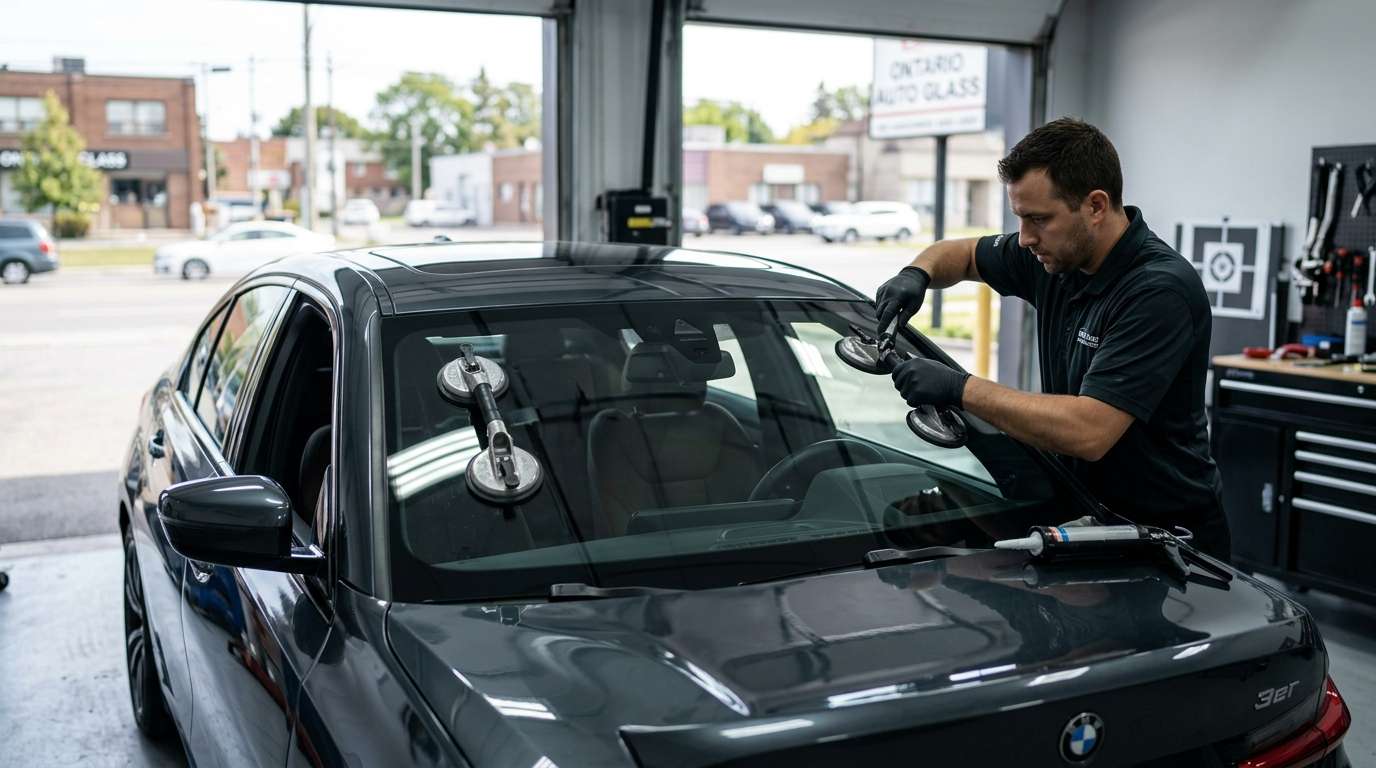
Fixing the BMW 480102 Front Camera Initialization Error
If you drive a modern BMW, you rely heavily on the KAFAS camera mounted up near your rearview mirror. When that system acts up, it usually throws the 480102 fault code. I see this specific error constantly in the shop, especially after a botched windshield replacement or a heavy bump on rough Canadian roads. Let's break down exactly what this code means, how it messes with your drive, and how we actually fix it.
What Exactly is the 480102 Code?
In plain mechanic terms, the 480102 error means your front camera failed its initialization process during startup. The car's computer expects a specific handshake from the KAFAS camera module. When it doesn't get it, or if the camera's field of view is compromised, the system shuts down the related safety features to prevent the car from reacting unpredictably.
Symptoms You Will Notice Behind the Wheel
You won't just see a standard check engine light. This error directly impacts your Advanced Driver Assistance Systems (ADAS). Here is what usually happens when you turn the key:
- Lane Departure Warning failure: The system completely stops tracking highway lines.
- Frontal Collision Warning disabled: You get a persistent yellow warning message on your iDrive screen.
- High-Beam Assistant stops working: Your headlights won't automatically dim for oncoming traffic.
- Speed Limit Info goes blank: The camera can no longer read street signs.
Common Causes for the Initialization Failure
Before we plug in the scanner, I always check the physical condition of the glass and the camera. The usual suspects include:
- Poor Windshield Replacements: Using cheap aftermarket glass with a distorted camera window is the number one cause I see here in the GTA.
- Missed Calibration: If someone replaced your windshield and didn't recalibrate the KAFAS system, the 480102 code is a guarantee.
- Debris or Smudges: A dirty windshield, a blocked heating element, or a fingerprint on the camera lens itself blocks the sensor's view.
- Hardware Malfunction: Occasionally, the camera bracket comes loose, or the module itself overheats and fails.
How We Repair the BMW 480102 Error
Fixing this isn't a simple code clear. If you just erase the code without fixing the root problem, it comes back the second you put the car in gear. Here is my standard procedure for knocking out this issue:
Step 1: Visual and Physical Inspection
I start by checking the windshield area. I look for aftermarket glass distortion, ensure the heating wire in front of the camera is intact, and check that the camera is securely clipped into its bracket.
Step 2: Diagnostic Scanning
We hook up the car to our diagnostic software (like ISTA+) to pull the exact freeze-frame data. This tells me if the camera is completely dead, lacking voltage, or just out of alignment.
Step 3: OEM-Level Calibration
If the hardware is good and the glass is clear, the fix is a dynamic or static calibration. We use specialized target boards and diagnostic tools to teach the camera where the center of the road is. Once the KAFAS camera relearns its positioning, the initialization passes, and the 480102 code clears permanently.
Trust the Auto Glass Experts in the GTA
Modern BMW windshields are highly complex pieces of technology. If you need a replacement or a camera calibration, don't leave it to a general lube shop. At AlexWindshield, we specialize in high-end mobile auto glass services across the Greater Toronto Area. We bring the right glass, the right tools, and proper ADAS calibration equipment right to your driveway. Plus, every piece of glass we install is backed by our Lifetime Warranty. Give us a call, and we will get your BMW's safety systems running perfectly again.


